Opera Mini
Opera Mini is a lightweight and fast web browser for Android devices with data-saving capabilities that save a lot of data.

Safe & Secure
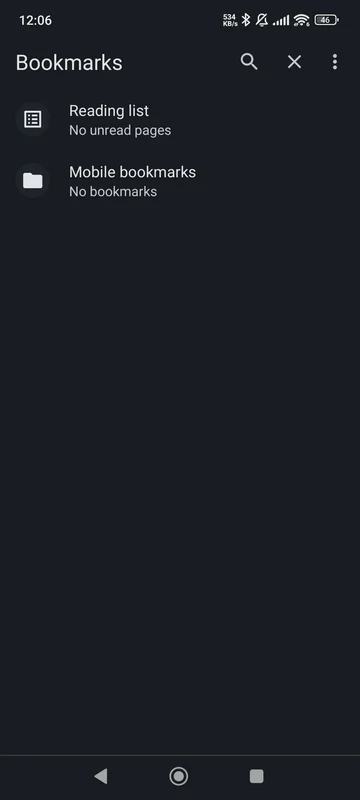
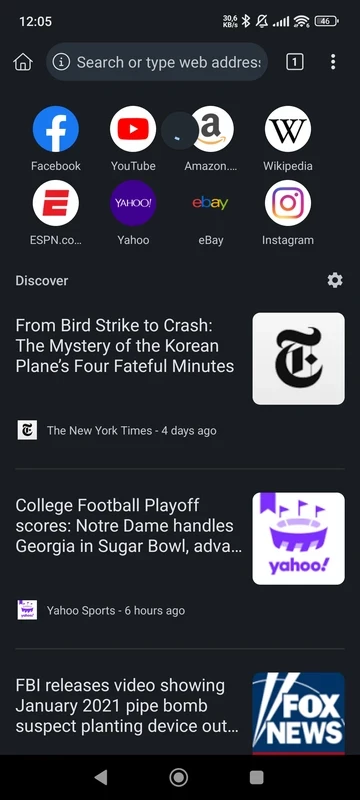
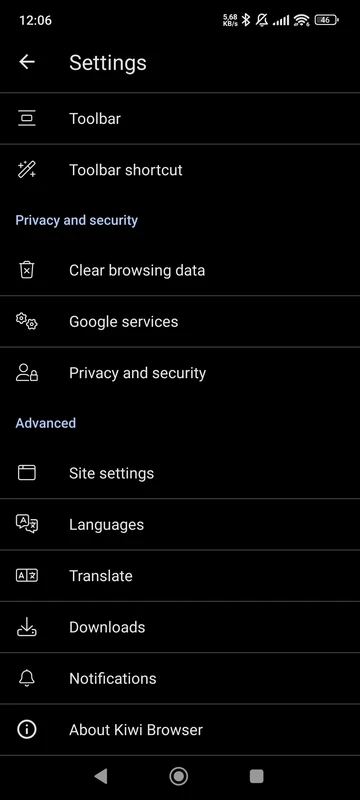
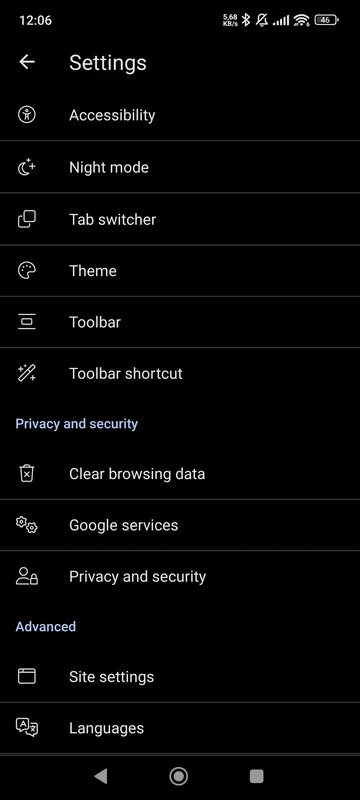
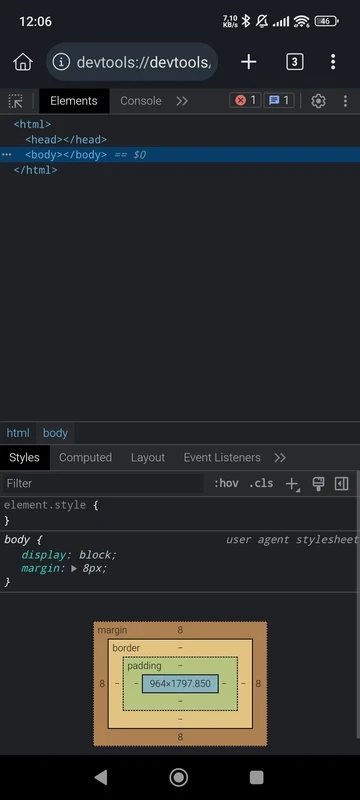
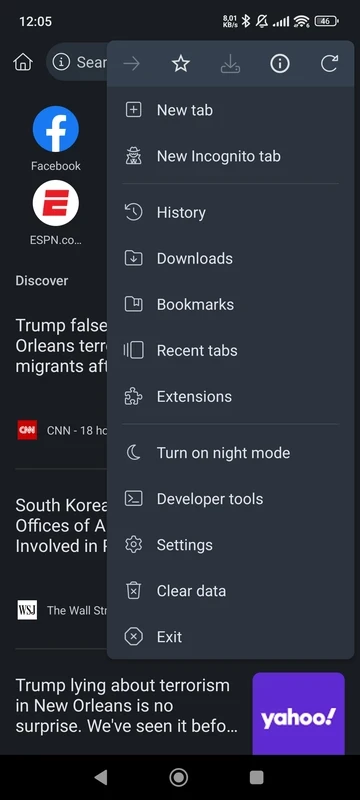
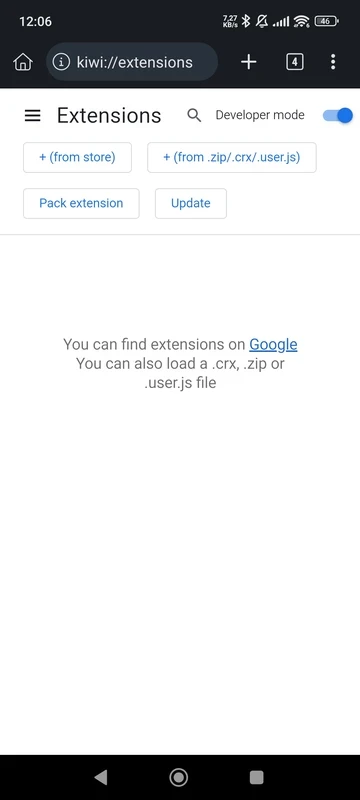
Kiwi Browser is a Chromium-based web browser for Android devices. It is fast, free, and offers a high browsing experience while maximizing the engine’s power. You can quickly access your required web pages with a fast loading process and browse your favorite content using the simple, user-friendly interface with night mode, a built-in ad blocker, a lot of extensions, and so on.
Kiwi Browser is based on the open-source project of Google, Chromium, and WebKit, developed by Geometry OU. It offers free-of-cost services and works swiftly, similar to other big wizards, i.e., Opera Mini, Chrome, Microsoft Edge etc. The lightweight utility gives an awesome browsing experience for mobile users while offering a lot of innovative features. It loads web pages quickly, supports multiple extensions, downloads your favorite videos or files, blocks unwanted advertisements, and so on.
The intuitive and user-friendly interface with customized options is simple to use and enables users to change their screen according to their preferences. Upon access to the main screen, you will find news related to your selected country. It is equipped with an algorithm to offer the content you want. It is possible to stick your favorite pages on top, and open tabs will remain open for quick access. The address bar is placed at the bottom of the screen, which allows you to access the main features of the browser.
It is one of the key features offered by any web browser that blocks the unnecessary pop-ups and helps you to get rid of irritating interruptions from your browsing experience. You will find a more streamlined interface without using any third-party ad blocker, and it enables you to enjoy a fully customized browsing experience.
The support for the huge variety of extensions helps users to continue their web browsing smoothly and fast. It also integrates with the Chrome Web Store and enables you to install your favorite add-ons right from the Web Store. You can modify your browsing experience according to your preferences while adding extensions to your browser.
Make your viewing experience soothing and reliable at night using the customizable night mode. It helps users to watch and read their favorite content easily in low-light environments. You can customize the night mode according to your taste, such as high contrast mode or an optimized mode for AMOLED displays. It will help you to preserve your battery life as well.
Kiwi browser offers fast performance while loading the web pages quickly, and makes your web browsing experience comfortable while offering different in-built capabilities, i.e, ad blocking. You can manage multiple tabs simultaneously, and it quickly enhances your browsing.
You can easily manage tiles on your homepage and quickly move to the websites without any hassle. You can use your keyboard and give a long-press for moving or removing the tiles; you can use the + button for adding new websites.
You need not install the official Facebook Messenger on your device; instead, take help from the Kiwi browser and unlock Facebook Messenger on your screen to start chatting with your family and friends.
Online privacy is one of the most important features that helps to avoid any type of hacking or tracking activity. On the platform, you will find a more personalized and secure environment to browse and collect information without any security concerns, cryptojacking, malicious websites, etc. You can disable the AMP feature and use incognito mode to browse privately and enjoy a more traditional browsing experience as well.
An extensive translation tool is available to offer a quick translation process for up to 60 languages. You can easily change the language and cross the language barriers. It will help you use the language that can help you engage a diverse audience. Moreover, you have the option of importing and exporting bookmarks for managing your saved websites reliably.
An in-built and customized download folder is available for your ease in storing your downloaded files to your preferred destination. You can manage your downloads more reliably, but keep in mind that removing any app on your Android device can cause the removal of your downloads as well.
Make your browsing experience awesome and optimized while customizing your settings options, i.e, you can block notifications to get rid of interruptions and get improved online surfing. Moreover, the browser is equally reliable for both casual and pro users, as it offers an optimized engine for loading pages quickly.
The developers allow users to give their feedback and express their experiences. Users can also explain related issues and suggest how the developers can improve the performance of the browser. Moreover, the quick updates also help the users to get improved and quicker performance.
The browser with a lightweight utility consumes very few resources of your device. Compared to other big wizards such as Chrome, the Kiwi browser proves to be fast and quiet with a clean and minimalist design. You can easily navigate to your required content while maintaining your online privacy.
It offers speedy performance and makes your browsing experience awesome with the help of multiple extensions. It is embedded with multiple innovative features, such as night mode, ad blocker, incognito mode, multilingual support, and so on.
Pros
Cons

Opera Mini is a lightweight and fast web browser for Android devices with data-saving capabilities that save a lot of data.

Microsoft Edge, an AI-powered browser with strong privacy, extensions, and built-in functionality

Chrome Browser, which supports modern touch screens for fast and secure browsing

Mozilla Firefox browses privately, adds awesome add-ons, and customizes seamlessly

UC Browser offers fast and streamlined browsing with strong data-saving capability

Adobe Flash Player views flash-based content, auto-updates, but insecure environment